12 Best apps for researchers You Should Know
In modern research, the right digital tools are not just a convenience; they are essential for managing the overwhelming flow of information, from initial literature discovery to final manuscript submission. The challenge is navigating the vast ecosystem of applications to build a cohesive, efficient, and personalized workflow. This guide cuts through the noise to provide a comprehensive overview of the best apps for researchers, designed to streamline every stage of your academic process. We will explore a curated selection of powerful tools across critical categories, including reference management, note-taking, collaborative writing, and data analysis.
This is not just a simple list. For each application, we provide a detailed breakdown of its core functionalities, practical use-case scenarios, and an honest assessment of its strengths and weaknesses. You will find specific guidance on who each tool is best suited for, clear pricing information, and important notes on integration capabilities. We place a special emphasis on creating a centralized "second brain" for your research. Throughout this article, you will find actionable tips on how to connect these disparate tools with knowledge management hubs like Obsidian, particularly leveraging plugins like Obsibrain to visualize connections between notes, sources, and ideas, transforming your scattered data into a coherent knowledge graph.
Our goal is to equip you with the insights needed to select and implement the right software for your specific needs. Whether you are a graduate student embarking on your first major project or a seasoned academic looking to optimize your productivity, this resource will help you build a more integrated and powerful research workflow. Every entry includes direct links and screenshots to help you evaluate each option effectively. Let's dive into the applications that can transform your research process.
1. Obsibrain
Obsibrain isn't a standalone application but rather a powerful, pre-built productivity system designed to operate entirely within Obsidian. It stands out by transforming the flexible but often complex Obsidian environment into a fully functional, centralized command center for researchers. This "vault-in-a-box" eliminates the steep learning curve and extensive setup time typically required to build a sophisticated personal knowledge management (PKM) system from scratch.
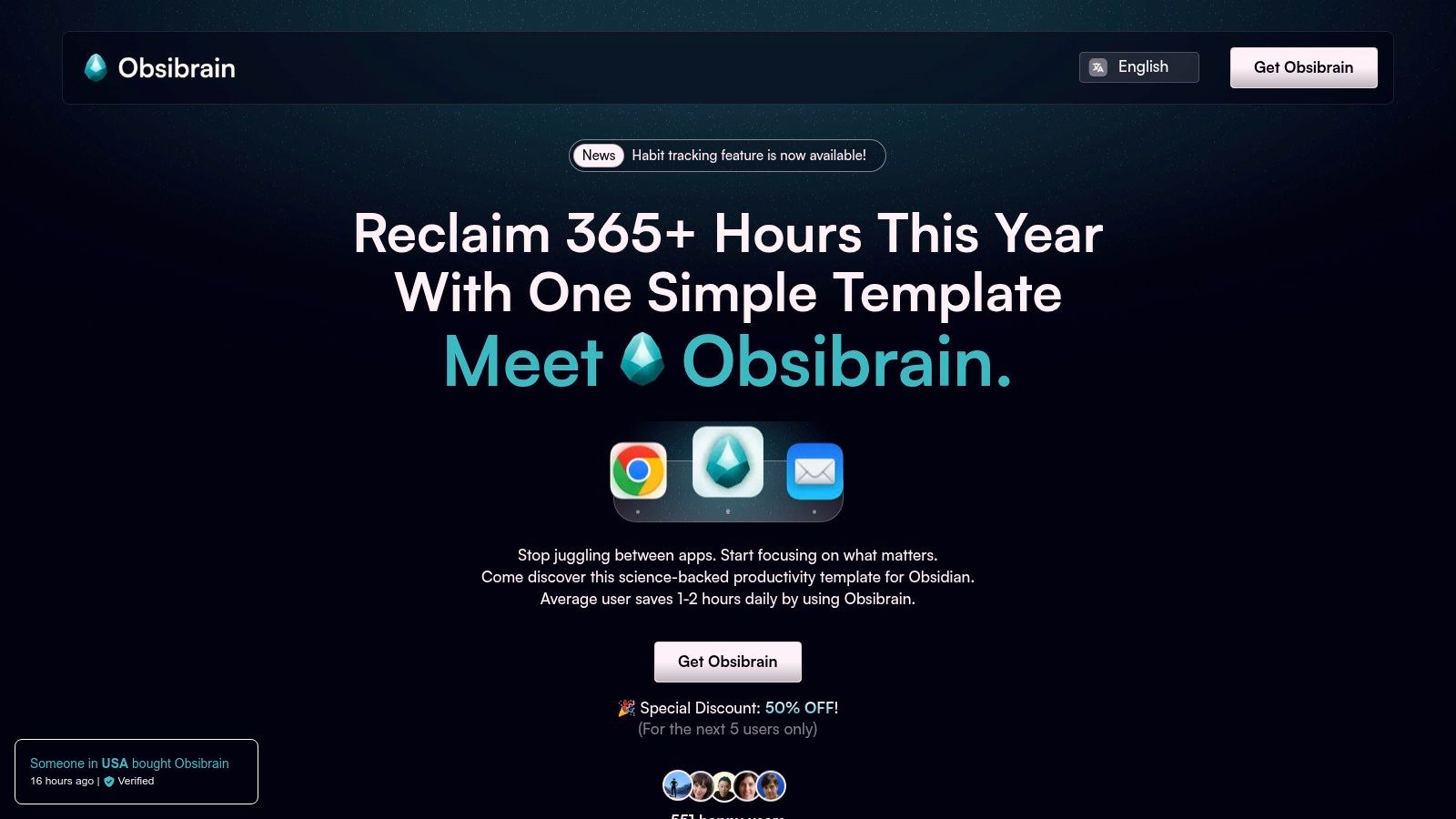
It integrates proven methodologies like P.A.R.A. (Projects, Areas, Resources, Archives) and GTD (Getting Things Done) directly into its architecture. For a researcher, this means you can immediately start managing complex literature reviews, tracking experiment progress with SMART project templates, and connecting disparate research notes without needing to design the system yourself. Its true strength lies in consolidating tools that are often scattered across multiple subscriptions, effectively becoming one of the best apps for researchers looking to unify their workflow.
Key Features & Use Cases
Integrated Task and Project Management: Link tasks directly to research notes, meeting minutes, or literature sources. A researcher can create a project for a specific paper, outline tasks for the literature review, data analysis, and writing phases, and assign due dates, all linked back to the source material within the same vault.
Structured Periodic Reviews: The system includes templates for daily, weekly, monthly, and annual reviews. This encourages researchers to reflect on progress, adjust priorities, and maintain momentum on long-term projects like a dissertation or multi-year study.
Centralized Knowledge & CRM: Manage contacts, meeting notes, and academic connections alongside your research. Track correspondence with collaborators or journal editors and link those interactions directly to the relevant project files.
Privacy-First, Offline Access: Because it operates within Obsidian, all your data is stored locally on your device. This is a critical advantage for handling sensitive or unpublished research data, ensuring you maintain full ownership and control.
Pricing & Platform
Platform: Requires the Obsidian application (free).
Pricing: A one-time purchase of $58 (often on sale for $29), which includes lifetime updates, comprehensive documentation, community access, and support. A free, feature-limited demo is also available.
Pros & Cons
All-in-one Workflow: Consolidates tasks, notes, habits, and project management, reducing app switching and subscription costs.
Obsidian Dependent: Only works within the Obsidian app; not a standalone solution.
Science-Backed Structure: Implements P.A.R.A. and GTD methodologies out of the box for immediate productivity.
Update Complexity: Heavy customization of core templates may complicate merging future updates.
One-Time Purchase: No recurring fees, offering long-term value with continuous updates and support.
Privacy-Focused & Offline: All data is local, ensuring complete privacy and accessibility without an internet connection.
Obsibrain is an exceptional choice for researchers who value the power and privacy of Obsidian but want to bypass the significant time investment required to build an effective system from the ground up. You can learn how to get started with Obsibrain through their detailed documentation.
Website: https://www.obsibrain.com/en
2. Apple App Store
For researchers embedded in the Apple ecosystem, the App Store is the primary, highly-curated gateway to discovering essential tools. While not a research app itself, it’s an indispensable platform for finding, vetting, and managing the software that powers your work, from advanced PDF annotators like LiquidText to powerful note-taking apps. Its major advantage is the stringent review process, which ensures a high standard of security and quality control, making it a trustworthy source for the best apps for researchers.
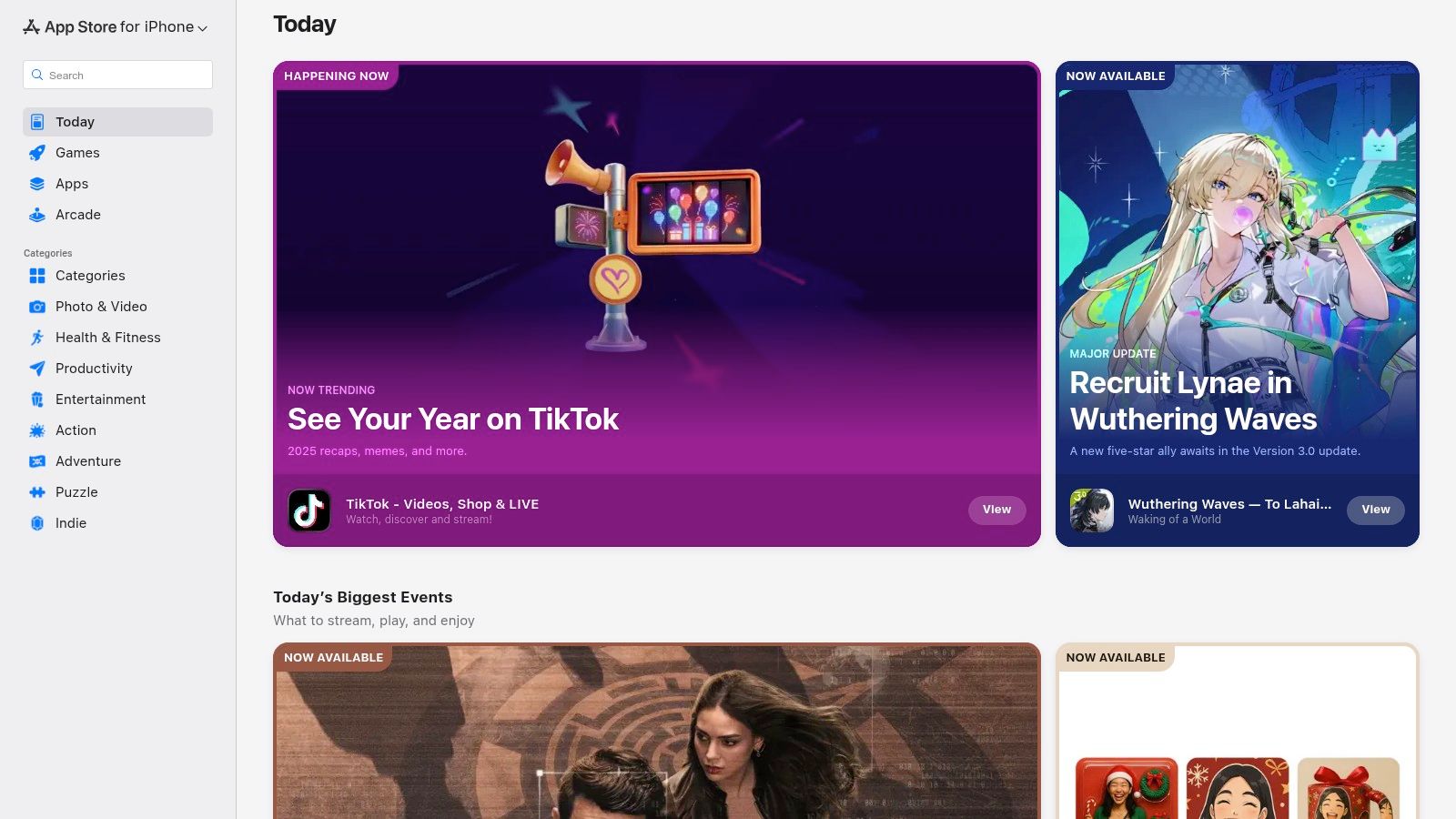
The App Store streamlines the acquisition process with unified billing, native subscription management, and Family Sharing, which can reduce software costs for your household. Its editorial curation often highlights powerful productivity apps you might otherwise miss. When looking for tools, it's also valuable to understand the evolving landscape of app stores and how they might better serve researchers in the future. The unified listings across iPhone, iPad, and Mac also simplify creating a consistent workflow, a key consideration for tools like Obsibrain that benefit from multi-device access.
A practical workflow for an Obsibrain user involves leveraging the App Store to download Obsidian for iOS and iPadOS. This enables access to their research vault on the go. Additionally, they can find and manage subscriptions for complementary mobile apps, such as a PDF reader or a quick-capture tool, that integrate with their vault via cloud sync services like iCloud. This ensures all research components gathered on mobile are seamlessly connected to their central knowledge base. The main limitation is its exclusivity; you cannot browse and install apps directly from the web, and availability is restricted to Apple hardware.
Website: https://apps.apple.com
Best For: Researchers within the Apple ecosystem seeking a secure, centralized marketplace for high-quality, vetted applications.
Key Features: Strict app review process, unified billing and subscription management, and editorial curation for app discovery.
3. Google Play Store
For researchers operating within the Android and ChromeOS ecosystems, the Google Play Store is the essential marketplace for discovering and managing research applications. While not a singular research app, it is the primary hub for finding everything from specialized reference managers and PDF annotators to powerful note-taking and data collection tools. Its main advantage is the vast selection and deep integration with the Android operating system, making it an indispensable resource for finding the best apps for researchers on a wide array of devices.
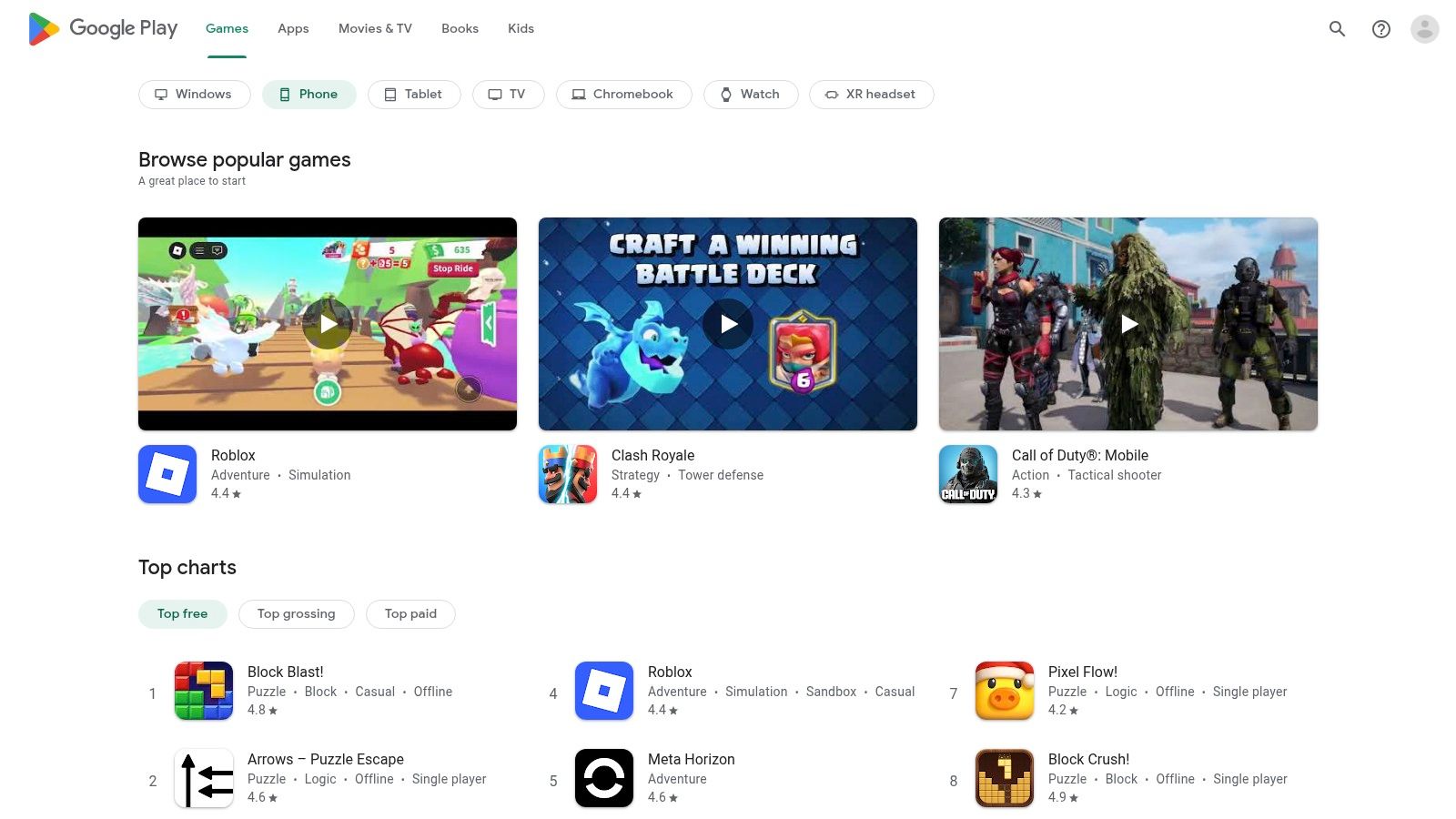
The Play Store facilitates discovery through curated categories and Editors' Choice selections, helping to surface high-quality academic and productivity software. Features like Google Play Pass can offer a cost-effective way to access a suite of premium apps for a single subscription fee. Device-specific browsing for phones, tablets, and Chromebooks ensures you find versions of apps optimized for your hardware, which is crucial for maintaining a consistent workflow across different form factors.
A practical workflow for an Obsibrain user involves using the Play Store to install Obsidian for Android. This allows them to use Obsibrain's quick-capture features and access their entire research vault from their mobile device. They can also install complementary apps, such as mobile scanners or voice-to-text tools, and sync the captured data to a cloud service like Google Drive or Dropbox. This ensures that notes and source materials gathered on the go are seamlessly integrated into the main research vault on their desktop. The primary limitation is its ecosystem-centric nature, being unavailable on iOS devices and having a more variable app quality compared to more strictly curated stores.
Website: https://play.google.com/store
Best For: Researchers using Android or ChromeOS devices seeking a broad selection of mobile research utilities and seamless ecosystem integration.
Key Features: Vast app selection, Editors' Choice and category-based discovery, device-specific browsing, and integrated billing.
4. Obsidian
Obsidian is a powerful local-first knowledge base that functions as a "second brain" for researchers. It uses plain Markdown files stored directly on your device, ensuring complete data ownership, privacy, and offline access. Its core strength lies in its ability to connect ideas through bi-directional links and visualize these connections in a graph view, making it one of the best apps for researchers mapping complex topics, tracking literature, and building a long-term, interconnected knowledge repository.
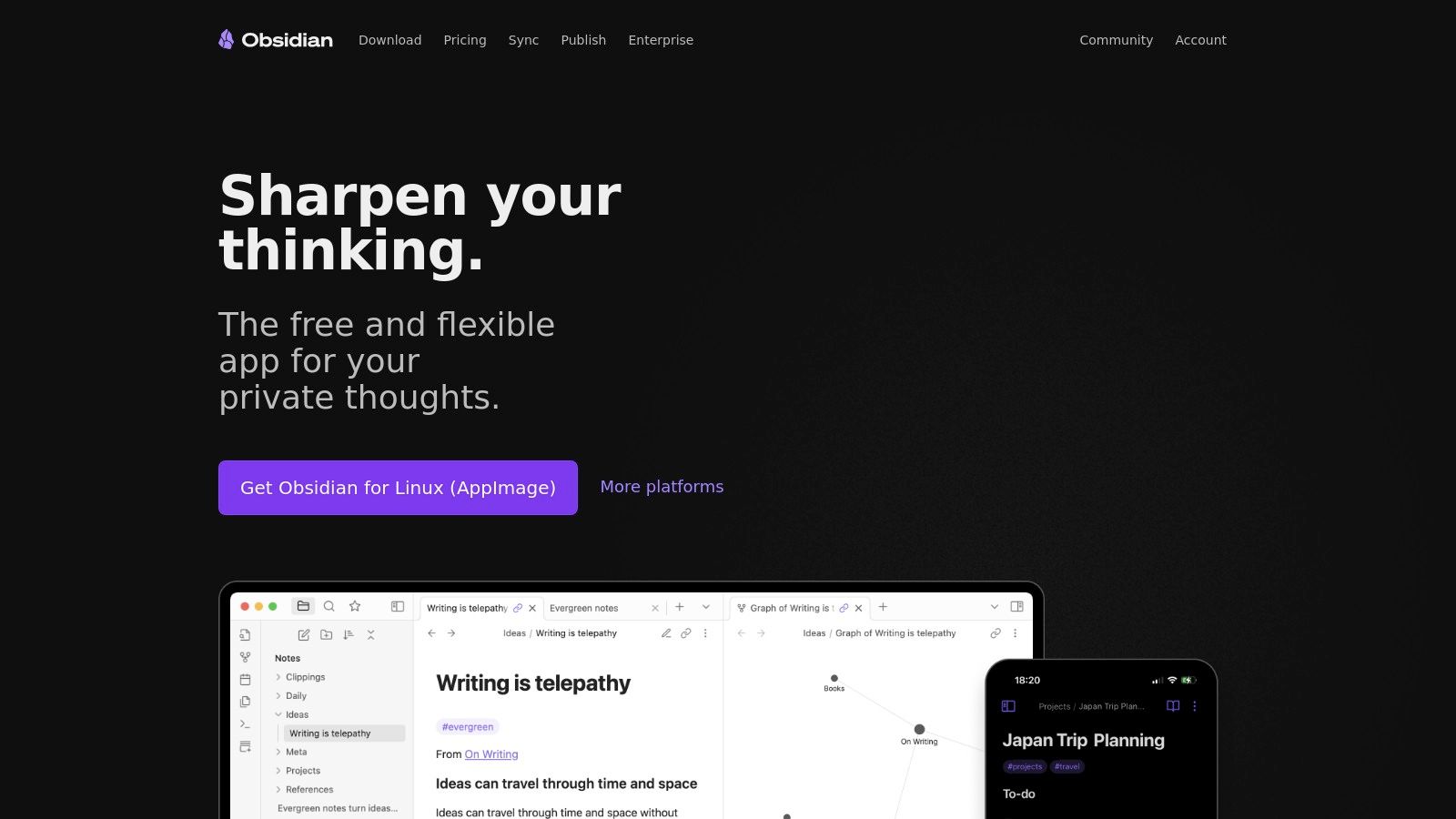
The platform’s real power is unlocked through its extensive ecosystem of community-built plugins, which allow you to customize your workflow for nearly any research need, from Zotero integration for reference management to Kanban boards for project tracking. For instance, you can adopt a robust organizational system like the P.A.R.A. folder structure for your research vault to keep projects, areas, resources, and archives neatly separated. This customizability provides a significant advantage over more rigid, proprietary note-taking applications.
A practical workflow involves using a pre-configured system like Obsibrain to jumpstart your research environment. With Obsibrain, a researcher can immediately use templates for literature reviews, meeting minutes, and experimental data. By linking these notes, they can trace the evolution of an idea from an initial hypothesis to its validation, all visualized in the graph view. The main drawback of Obsidian itself is the initial learning curve; setting up an optimized research environment from scratch requires time to select and configure the right plugins and structure. The core app is free for personal use, but optional services like encrypted Sync and Publish are available as paid subscriptions.
Website: https://obsidian.md
Best For: Researchers who prioritize data ownership, offline access, and a highly customizable environment for building an interconnected knowledge base.
Key Features: Local-first Markdown vaults, bi-directional linking and graph visualization, and an extensive plugin ecosystem for customization.
5. Zotero
Zotero is a cornerstone open-source reference manager, celebrated for its ability to collect, organize, cite, and share research with unparalleled ease. As a free and non-profit tool widely taught in academic libraries, it excels at capturing sources directly from your web browser with a single click. This functionality makes it one of the best apps for researchers looking to build a comprehensive bibliography efficiently, as it automatically saves metadata, PDFs, and snapshots of web pages.
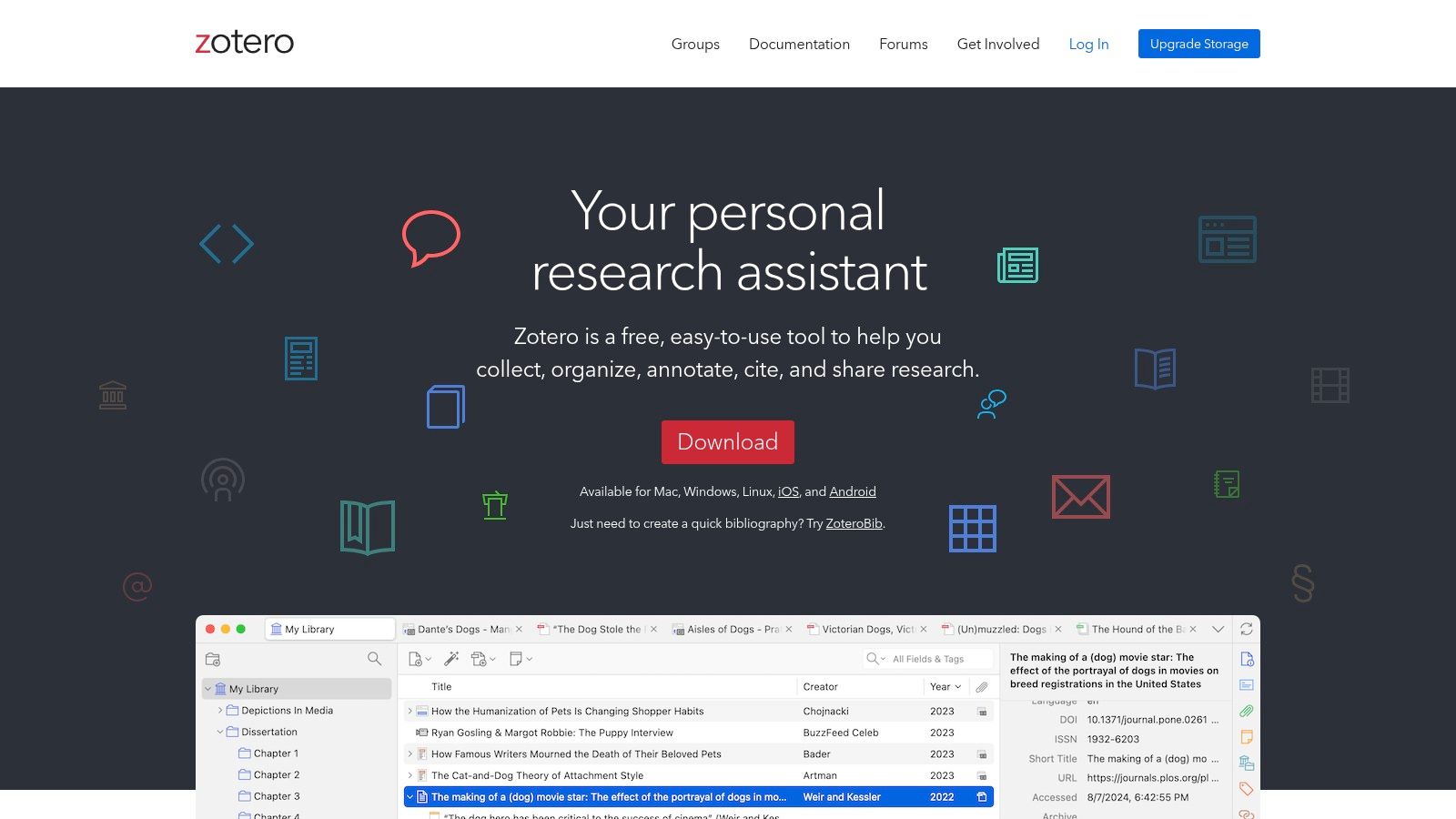
The platform’s strength lies in its robust integration with writing tools like Microsoft Word and Google Docs, allowing for seamless in-text citations and bibliography generation. For collaborative projects, Zotero's group libraries enable teams to share resources and build a collective reference database. The open-source nature ensures transparency and a strong community that develops plugins and offers support, making it a reliable choice for long-term academic work. While the core software is free, its cloud storage is limited to 300 MB, requiring a paid plan for researchers who manage extensive PDF libraries.
For an Obsibrain user, the workflow is streamlined and powerful. They can use Zotero to manage all their references and then use a community plugin like Citations to pull bibliographic data directly into Obsibrain's pre-built templates for literature notes. This creates a deeply interconnected knowledge base where every insight is automatically tied back to the primary source managed in Zotero. This integration transforms a simple bibliography into a dynamic part of the research process, centralizing the entire workflow from literature collection to synthesis.
Website: https://www.zotero.org
Best For: Academics and students needing a free, powerful, and widely supported tool for reference management and citation.
Key Features: One-click web capture, Word and Google Docs integration, collaborative group libraries, and an open-source framework.
6. Mendeley Reference Manager
Developed by Elsevier, Mendeley Reference Manager is a powerful tool designed to streamline the research citation process. It goes beyond simple reference management by integrating a PDF reader with annotation capabilities, cloud synchronization across all devices, and innovative AI-assisted features. Its major advantage is the combination of a polished PDF workflow and robust organizational tools, making it a comprehensive solution for managing academic literature and one of the best apps for researchers focused on building an organized library.
Mendeley simplifies the research lifecycle with its cross-platform clients, ensuring your library is accessible whether you're on a desktop or mobile device. Unique features like the AI-powered Reading Assistant help summarize complex papers, while Ask My Library allows you to query your own collection for answers. Tiered storage plans provide the flexibility to scale your library as your research grows, with dedicated options for collaborative team storage.
A practical workflow for an Obsibrain user involves using Mendeley to collect, read, and annotate research papers. After highlighting key insights within Mendeley's PDF reader, they can export these annotations and import them into a dedicated literature note within their Obsibrain vault's "Resources" section. This creates a direct, traceable link between synthesized knowledge and the original source material. By managing the project within Obsibrain's P.A.R.A. structure, the literature notes become actionable resources for specific research papers or projects. A key limitation is that many advanced features and higher storage tiers are locked behind a paid subscription, and its ownership by a commercial publisher may influence its long-term feature development and integration possibilities.
Website: https://www.mendeley.com/reference-management
Best For: Individual researchers and academic teams looking for an all-in-one reference manager with an integrated PDF reader and AI features.
Key Features: Cross-platform cloud library with PDF annotation, AI-assisted Reading Assistant, and flexible team storage options.
7. EndNote
EndNote is a premium, desktop-grade reference manager that has long been a staple in institutional and laboratory settings. It excels at handling massive citation libraries and complex formatting requirements for manuscripts, making it one of the best apps for researchers working on extensive projects like dissertations or systematic reviews. Its power lies in its robust, offline-first desktop application, which provides granular control over every aspect of reference management and citation.
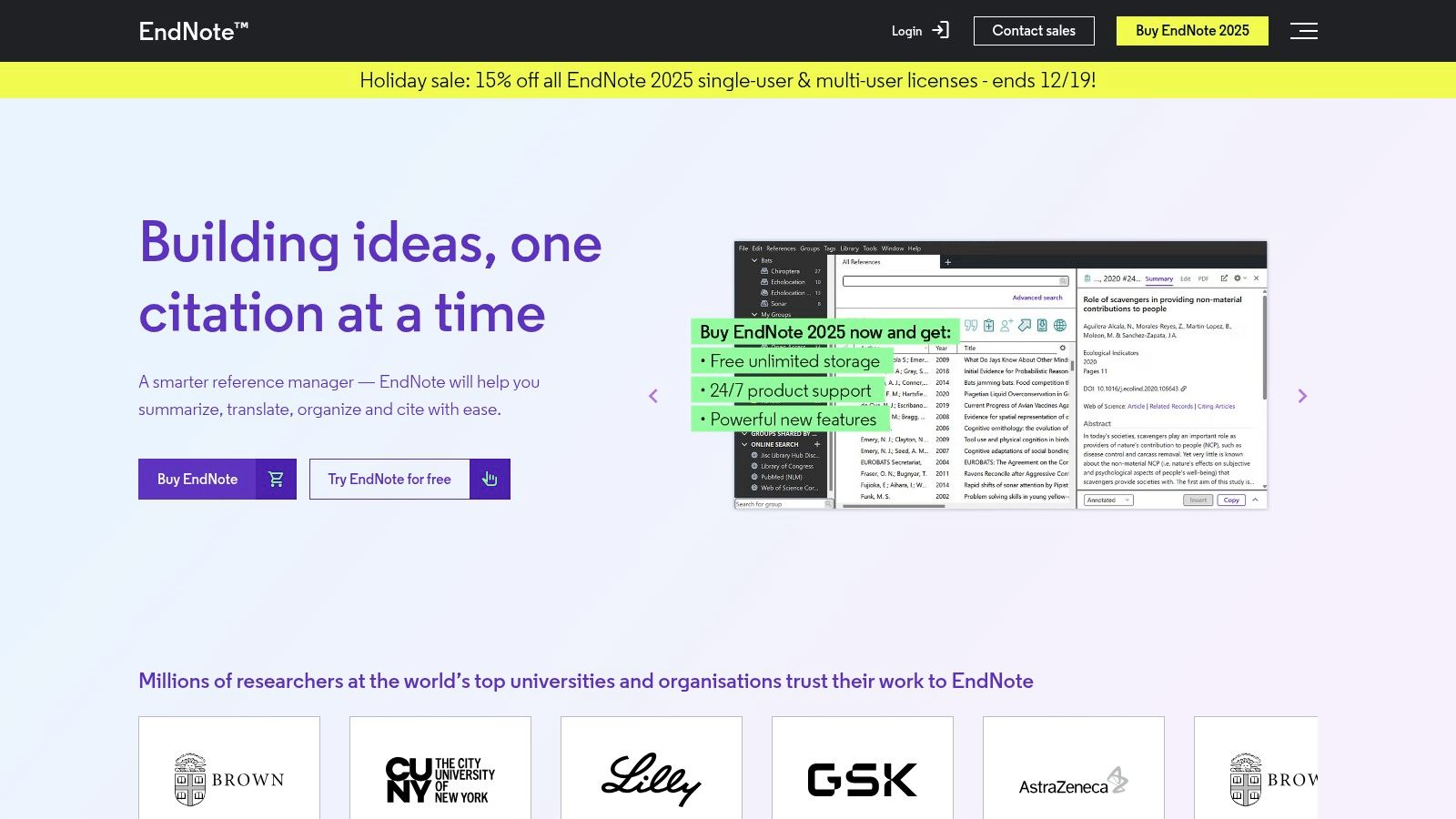
Unlike lighter, cloud-native tools, EndNote is built for depth, offering advanced features for finding full text, managing duplicates, and customizing thousands of citation styles. Its "Cite While You Write" tool integrates deeply with Microsoft Word, streamlining the creation of bibliographies for complex documents. The platform also offers online sync and multi-user licenses, making it a viable option for research teams that need a shared, powerful library. While it comes with a higher upfront cost, the one-time license can be more economical long-term than recurring subscriptions.
For an Obsibrain user, the workflow involves using EndNote as the primary, authoritative database for all citations. They would export reference data (e.g., in BibTeX format) from EndNote and link it to their Obsidian vault using a plugin. This creates a powerful system where EndNote handles the heavy-duty bibliographic management, while notes drafted within Obsibrain's structured project templates can dynamically pull in and reference that scholarly literature. This keeps the writing and research seamlessly connected, separating robust citation management from flexible knowledge synthesis.
Website: https://endnote.com
Best For: Academic researchers, labs, and institutions needing a powerful, desktop-focused tool for managing very large reference libraries and complex manuscripts.
Key Features: Robust citation style support, advanced library management tools, a full-featured desktop application with online sync, and institutional licensing options.
8. ReadCube Papers
ReadCube Papers is a modern, all-in-one reference manager designed to streamline how you find, organize, and cite your literature. It excels at PDF handling and offers a unified experience across desktop, web, and mobile, moving beyond traditional citation management. Its powerful browser extensions allow for one-click article imports, while its AI-powered features help you query your entire library to quickly surface evidence and insights, making it one of the best apps for researchers focused on efficiency.
The platform’s strength lies in its ecosystem, particularly the SmartCite add-ins for Word and Google Docs that make inserting citations and formatting bibliographies in thousands of styles seamless. This integrated workflow is also ideal for collaborative projects and enterprise environments, where consistent reference management is critical. The main drawback is its subscription-based model, which can be a recurring cost, and official pricing can sometimes be distributed through various institutional or marketplace channels, making it slightly complex to navigate.
A practical workflow for an Obsibrain user involves using Papers to manage all reference materials and annotations. After highlighting key sections in a PDF, they can copy Markdown-formatted citation links from Papers and paste them directly into their Obsibrain literature notes. This creates a clean, permanent link back to the source PDF in their Papers library. This method keeps their knowledge base connected to its foundational literature without cluttering the vault with PDFs, allowing Obsibrain to focus on idea connection and project management.
Website: https://www.readcube.com
Best For: Researchers and teams needing a modern, cross-platform reference manager with strong PDF import and an integrated citation workflow.
Key Features: SmartCite add-ins for Word/Google Docs, browser extensions for one-click import, and an AI assistant for querying your library.
9. ResearchRabbit
ResearchRabbit transforms literature discovery from a linear, search-based task into an intuitive, visual exploration. Instead of just finding papers, it helps you understand the entire research landscape by mapping citation networks, identifying seminal authors, and suggesting relevant work you might have missed. It excels at taking a few "seed papers" and building a dynamic, graphical web of interconnected research, making it one of the best apps for researchers conducting literature reviews or scoping new fields.
The platform is not a reference manager but a powerful discovery engine designed to work alongside tools like Zotero. Its "Collections" feature allows you to organize papers by project, and it integrates with institutional libraries via LibKey to provide direct access to PDFs. The free tier is incredibly generous, offering unlimited searches and visualizations over a massive corpus of articles, making it accessible to nearly everyone. The visual "network view" is a standout feature, clearly showing how different papers and authors relate to one another.
For an Obsibrain workflow, a researcher would use ResearchRabbit for the discovery phase of a new project. After visually mapping the literature and identifying key papers, they export the curated collection to Zotero. From there, the Zotero-Obsidian integration populates their Obsibrain vault with literature notes. These notes are then linked to the specific project file in Obsibrain's P.A.R.A. system, ensuring that the literature review is directly tied to the project's goals and tasks, creating a rich, interconnected knowledge base from their visually-mapped discoveries. The main limitation is that it complements rather than replaces a full reference manager.
Website: https://www.researchrabbit.ai
Best For: Researchers needing to rapidly scope a new field, conduct comprehensive literature reviews, and visually explore citation networks.
Key Features: Interactive graphical network maps, "seed paper" based discovery, project-based collections, and integration with reference managers.
10. Overleaf
For researchers in STEM and other fields where LaTeX is the gold standard, Overleaf is an indispensable cloud-based collaborative writing platform. It eliminates the need for local LaTeX installations and configuration headaches, allowing co-authors to work on a single version of a document in real-time. Its major advantage is this zero-setup environment, which provides a rich text editor alongside the compiled PDF view, making it one of the best apps for researchers collaborating on journal articles, theses, or grant proposals.
Overleaf streamlines the academic writing process with its extensive gallery of publisher-specific templates, ensuring your manuscript meets submission guidelines from the start. Features like tracked changes, version history, and direct integrations with reference managers like Zotero and Mendeley are crucial for managing complex documents. The platform’s freemium model offers core functionality for free, with paid plans unlocking advanced features like full document history and faster compile times for complex projects.
A practical workflow for an Obsibrain user involves using their vault for the entire ideation and drafting phase. They can outline article sections, synthesize literature notes, and write content in Markdown. When ready for formal writing and collaboration, they export this text and paste it into Overleaf. This keeps the initial, messy phase of creative work private and flexible within Obsibrain, while leveraging Overleaf's specialized power for formatting, citation management, and final production with co-authors. The primary limitation is its focus on LaTeX; it is not a general-purpose word processor.
Website: https://www.overleaf.com
Best For: Academic researchers, particularly in STEM fields, who need a collaborative, cloud-based platform for writing and publishing in LaTeX.
Key Features: Real-time collaboration with track changes, extensive template gallery for journals, and integrations with reference managers and Git.
11. scite
scite is an award-winning platform that revolutionizes literature reviews by showing how a research paper has been cited by subsequent studies. Instead of just counting citations, it classifies them as supporting, contrasting, or simply mentioning the cited claims, offering immediate insight into the scientific conversation. This contextual analysis is a game-changer for evaluating the strength of evidence and understanding the scholarly reception of a paper, making it one of the best apps for researchers conducting critical appraisals.
The platform’s “Smart Citations” allow you to see the exact text where a paper was cited and the context surrounding it, which drastically speeds up the process of identifying influential or controversial findings. Its full-text search capabilities and reference checking tools further enhance research quality by helping you discover relevant literature and ensure your own citations are reliable. While a limited free version is available, the most powerful features are unlocked with individual or institutional subscriptions.
A powerful workflow for an Obsibrain user involves using scite to vet a source before creating a literature note. After identifying a potentially important paper, they can check its scite report to see if its findings are well-supported or have been challenged. This critical context is then summarized directly in the corresponding literature note within their Obsibrain vault. This creates a richer, more reliable knowledge base and prevents them from building arguments on disputed evidence, strengthening the foundation of their research projects managed in Obsibrain. The main limitation is that its database, while extensive, may not have complete coverage for all disciplines, particularly in the humanities.
Website: https://scite.ai
Best For: Researchers needing to quickly assess the credibility and impact of scientific literature and track how findings are discussed.
Key Features: Contextual "Smart Citations" (supporting, contrasting, mentioning), full-text search of research papers, and reference checking.
12. Rayyan
For researchers engaged in systematic literature reviews, Rayyan is a purpose-built web platform designed to dramatically accelerate the screening process. It stands out by leveraging AI to assist with abstract and title screening, automatically suggesting inclusion or exclusion decisions based on your previous choices. Its core strength is streamlining the tedious, manual phases of a review with intelligent deduplication, collaborative workflows, and built-in tools for tracking progress, making it one of the best apps for researchers in evidence-based fields.
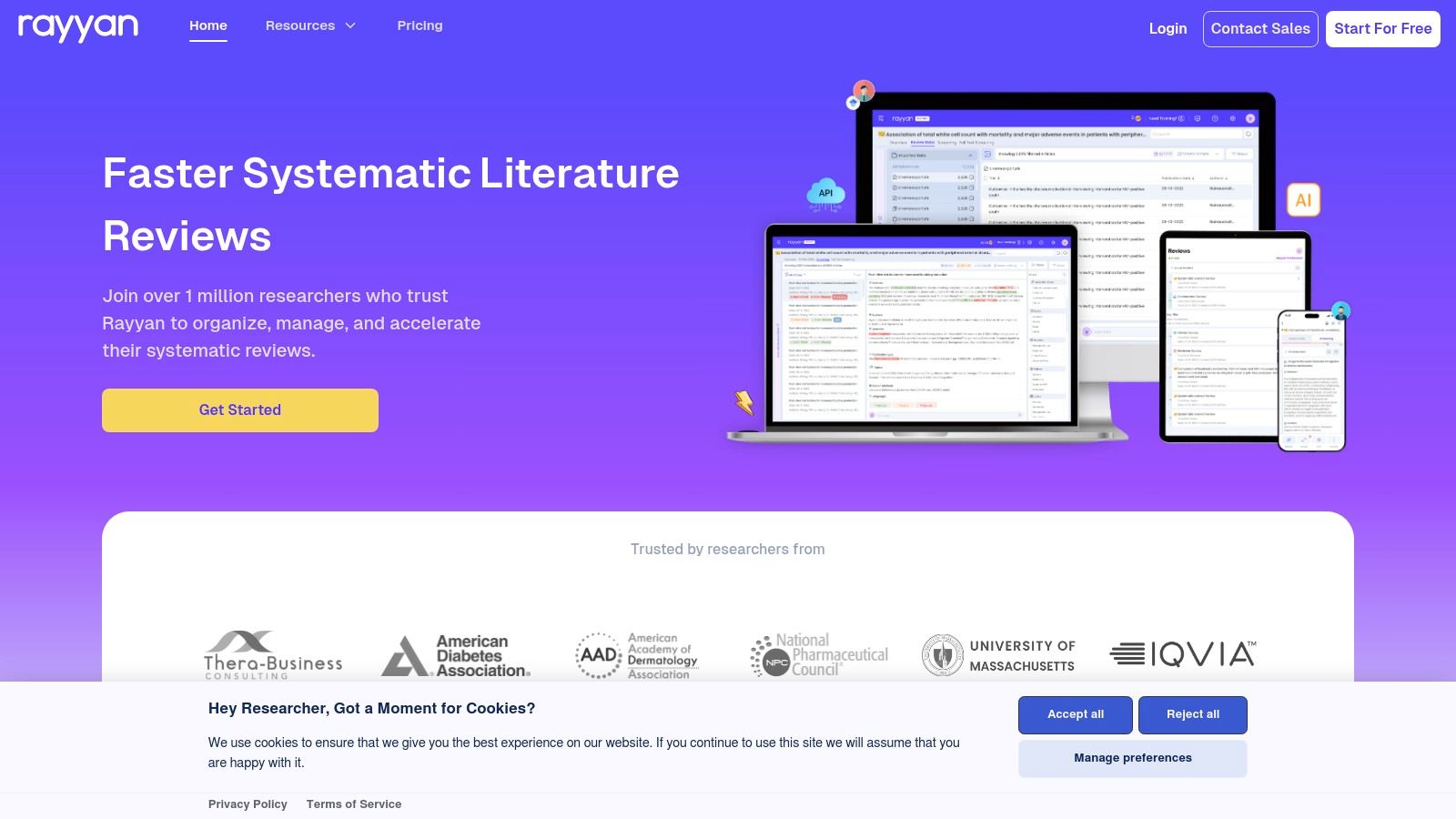
Rayyan excels at team-based projects, offering robust collaboration features like blind screening to reduce bias and clear controls for managing reviewer permissions. The platform also simplifies reporting by automatically generating PRISMA flow diagrams, a critical component of systematic review publications. Its AI-powered relevance ratings learn from your decisions, helping to surface the most relevant papers faster and reducing the overall time commitment.
A practical workflow for an Obsibrain user involves managing the systematic review as a formal project within their vault, with tasks and deadlines defined. They would conduct the initial screening and selection process in Rayyan, then export the final set of included studies. This curated list of references can be imported into their reference manager (like Zotero), which then syncs the metadata into their Obsibrain vault for detailed annotation and synthesis. This process keeps the project management centralized in Obsibrain while leveraging Rayyan's specialized screening power. The main limitation is that many essential features for serious reviews, such as unlimited active projects and PRISMA diagram generation, are locked behind paid tiers, though the free version is suitable for smaller projects.
Website: https://www.rayyan.com
Best For: Research teams conducting systematic or scoping reviews who need an efficient, collaborative screening platform.
Key Features: AI-powered relevance ratings, automated duplicate detection, collaborative blind screening modes, and PRISMA flow diagram generation.
Top 12 Research Apps: Feature Comparison
Obsibrain 🏆
All‑in‑one Obsidian template: tasks, habits, P.A.R.A., SMART projects, reviews, CRM, quick‑capture
★★★★☆ 4.7/5
💰 One‑time $58 (promo $29), lifetime updates, free demo
👥 Obsidian users, researchers, productivity seekers
✨ Pre‑built vault, privacy‑first, mobile‑optimized, tutorials & community
Apple App Store
Curated marketplace for iOS/mac apps; editorial picks & unified billing
★★★★☆ (varies by app)
💰 Free access; app/subscription prices vary
👥 iPhone/iPad/Mac users, mainstream consumers
✨ Curated editorial, secure app review, family sharing
Google Play Store
Android/ChromeOS marketplace; discovery, Play Pass, refunds/help hub
★★★★☆ (varies by app)
💰 Free access; app/subscription prices vary
👥 Android/Chromebook users
✨ Broad selection, Play Pass & device‑specific browsing
Obsidian
Local‑first Markdown vaults, backlinks, graph view, plugin ecosystem
★★★★☆ (extensible)
💰 Free core; paid Sync/Publish add‑ons
👥 Knowledge workers, researchers, writers
✨ Bi‑directional links, offline data ownership, themes
Zotero
Reference manager: one‑click capture, PDF management, citation plugins
★★★★☆ widely used
💰 Free core; paid cloud storage plans
👥 Academics, students, librarians
✨ Open‑source, group libraries, strong library support
Mendeley Reference Manager
PDF reading/annotation, cloud sync, AI features (Reading Assistant)
★★★☆☆
💰 Freemium; tiered storage & paid tiers
👥 Researchers needing polished PDF workflow
✨ AI reading tools, integrated PDF workflow
EndNote
Desktop‑grade reference manager, advanced citation styles, site licensing
★★★★☆ (premium)
💰 Paid (one‑time or subscription), higher cost
👥 Labs, institutions, heavy citation users
✨ Robust for large libraries and manuscripts
ReadCube Papers
Modern ref manager: SmartCite, browser import, AI library queries
★★★☆☆
💰 Subscription‑based
👥 Individuals & enterprise research teams
✨ SmartCite add‑ins, AI query across library
ResearchRabbit
Literature discovery & visualization; graph maps & collections
★★★★☆
💰 Free tier; RR+ paid for extras
👥 Researchers exploring citation networks
✨ Visual maps, massive corpus search
Overleaf
Collaborative LaTeX editor with templates, real‑time collab, history
★★★★☆
💰 Freemium; paid tiers for advanced features
👥 Academics writing papers, co‑authors
✨ Zero‑setup collaboration, journal templates
scite
Citation analysis with contextual Smart Citations and reports
★★★★☆
💰 Freemium; paid institutional plans
👥 Researchers assessing evidence & citations
✨ Shows supporting/contrasting citation context
Rayyan
Systematic review screening: AI relevance, deduplication, PRISMA tools
★★★★☆
💰 Free tier; paid for unlimited/advanced features
👥 Systematic review teams & librarians
✨ AI‑assisted screening, PRISMA generator
Final Thoughts
Navigating the digital landscape to assemble the perfect research toolkit can feel as daunting as the research itself. Throughout this guide, we've explored a comprehensive suite of the best apps for researchers, moving from foundational note-taking and reference management to specialized tools for writing, data analysis, and collaboration. The central theme is clear: the right software doesn't just organize your work, it actively enhances your thinking, streamlines your process, and ultimately accelerates discovery.
We saw how reference managers like Zotero and Mendeley are non-negotiable for taming the deluge of academic literature, while cutting-edge platforms like ResearchRabbit and scite are revolutionizing how we discover and evaluate new papers. For the writing process, tools like Overleaf provide a collaborative, robust environment essential for manuscript preparation. But the true power emerges not from using these tools in isolation, but from integrating them into a cohesive, personalized workflow.
Building Your Personal Research Ecosystem
The most impactful takeaway is the importance of creating a centralized "second brain." While each app on our list serves a distinct purpose, a tool like Obsidian acts as the central hub where disparate streams of information converge. This is where you connect notes from a Zotero-imported paper to a task on your project board, or link a finding from a scite report to an outline for your next chapter.
The goal is to move beyond simply storing information and toward actively building knowledge. This involves a strategic approach:
Identify Your Core Need: Are you a PhD student drowning in literature, or a principal investigator managing multiple projects and teams? A student might prioritize a robust reference manager and a flexible note-taker, while a PI might lean more heavily on project management and collaborative writing tools.
Start Small and Integrate: Don't try to adopt a dozen new apps overnight. Begin with one or two that address your biggest pain point. Master Zotero for your references first. Then, integrate it with Obsidian to start building your literature notes.
Focus on the Workflow, Not Just the Tool: A powerful app is useless without a system. For instance, establish a routine for processing new papers: import with your reference manager, highlight with a tool like ReadCube Papers, and synthesize your key takeaways and connections in Obsidian.
The Role of Specialized and Centralized Tools
As your research progresses, you'll find that general-purpose apps may not suffice for highly specific tasks. While the tools discussed here form the backbone of a researcher's digital toolkit, many disciplines require specialized software. For those working with medical images, for instance, it's worth exploring the 12 best image analysis software solutions for medical imaging to find platforms designed for precise segmentation and analysis. The principle remains the same: find the best tool for the job and integrate its outputs into your central knowledge base.
This is where a system like Obsibrain becomes invaluable. It provides the structured methodology to transform your Obsidian vault from a simple collection of notes into a dynamic, goal-oriented research engine. By implementing its frameworks for project management, literature review, and daily planning, you can ensure every piece of information you collect is directly tied to a tangible research outcome. Obsibrain bridges the gap between having the best apps for researchers and knowing how to use them effectively to drive your projects forward.
Ultimately, the perfect digital toolkit is a deeply personal and evolving system. It should feel less like a set of rigid constraints and more like a natural extension of your own mind, empowering you to think more clearly, connect ideas more creatively, and pursue your research with greater focus and confidence. The journey to build this system is an investment in your most valuable asset: your ability to generate new knowledge.
Ready to transform your research workflow from a collection of apps into a powerful, integrated system? Obsibrain provides the complete framework to manage your projects, literature, and daily tasks directly within Obsidian. Obsibrain is the operating system that helps you leverage the best apps for researchers to achieve your academic goals.
Last updated